
Модульный органайзер
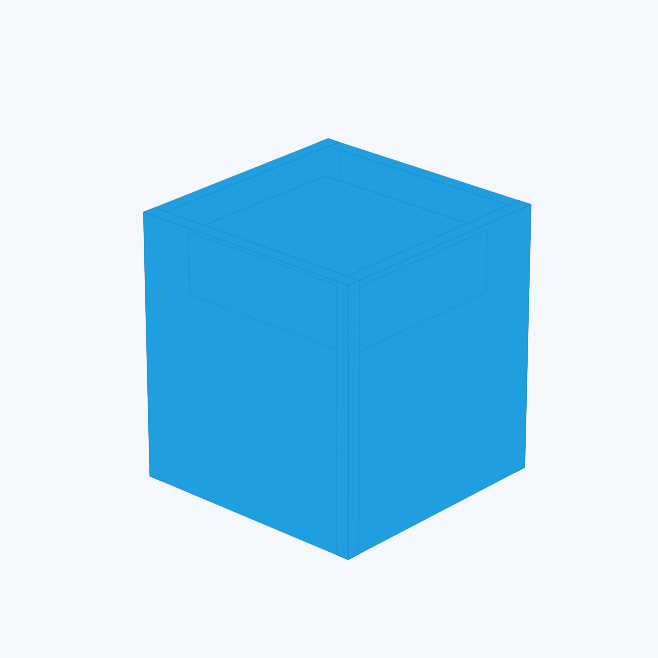
Закрытый модульный корпус с ячейками, которые выдвигаются вперёд и возвращаются назад нажатием в 3D-просмотре.
Configure the model
Review the parameters, then open the model in the builder. Change dimensions methodically and inspect the result before manufacturing.
Open in builderOutput and formats
The builder displays a 3D preview. Available export formats, design saving and ordering depend on the model and account permissions and are shown in the interface.
Parameters
| Parameter | Units | Range |
|---|---|---|
| Number of sections | Shown in the builder | 1 – 5 |
| Cells in section | Shown in the builder | 1 – 10 |
| Cell extension | Shown in the builder | 20 – 190 |
| Cell width | Shown in the builder | 45 – 180 |
| Cell depth | Shown in the builder | 50 – 220 |
| Cell height | Shown in the builder | 22 – 90 |
| Height of the closed facade | Shown in the builder | 90 – 100 |
| Wall thickness | Shown in the builder | 1.2 – 5 |
| Frame thickness | Shown in the builder | 2 – 8 |
| Installation gap | Shown in the builder | 0.25 – 1.5 |
| Cell partition | Shown in the builder | 0 – 4 |
| Signature area | Shown in the builder | — – — |
| The width of the site | Shown in the builder | 18 – 90 |